Two panes. One library.
Open iPhone Duo and BookWorm uses the whole inner display. Your library stays on one side of the fold and the book you picked opens on the other, so you can browse and read details without jumping back and forth.
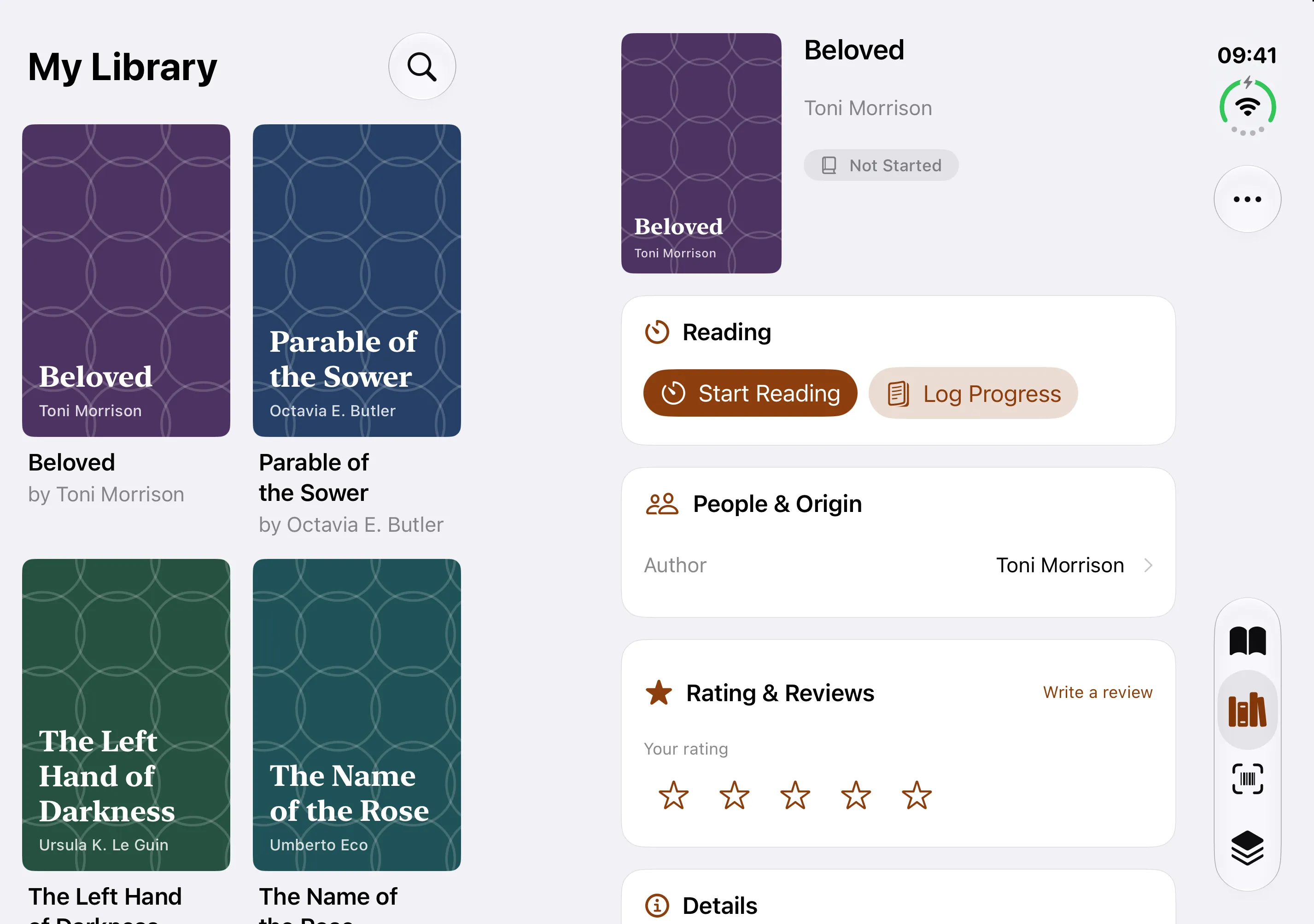
What changes when you open it
- Library and details together. Tap any book in the left pane and its details, reading progress and notes fill the right pane. Pick another and only the right side changes.
- More of your shelves at a glance. The library grid widens to four columns on the inner display, so a long shelf needs far less scrolling.
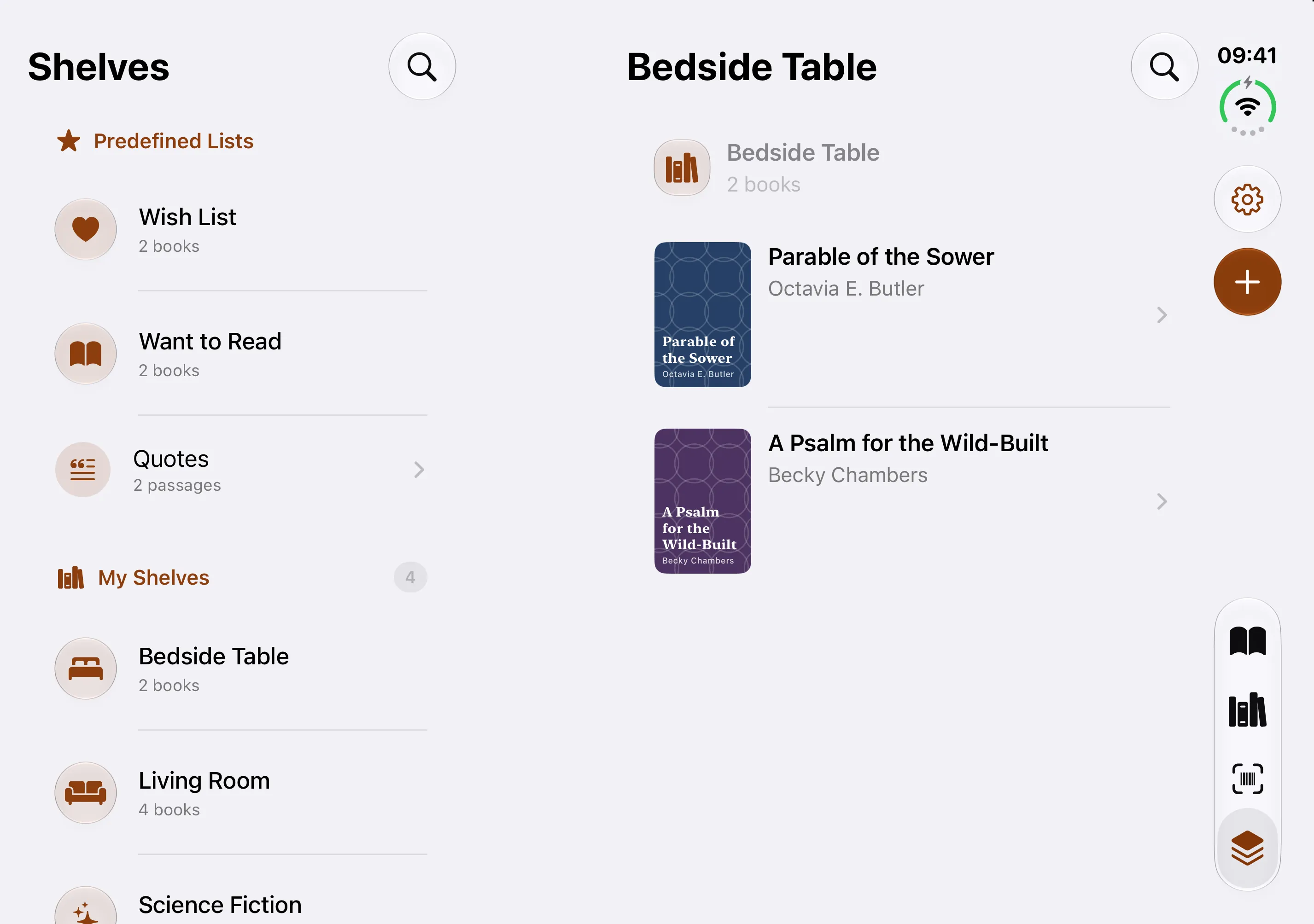
- Shelves beside their books. Browse a shelf or a series on one side and see the book on the other.
- Today in two columns. The book you’re reading sits next to your streak, goals and recent sessions.
Closed, it’s just BookWorm
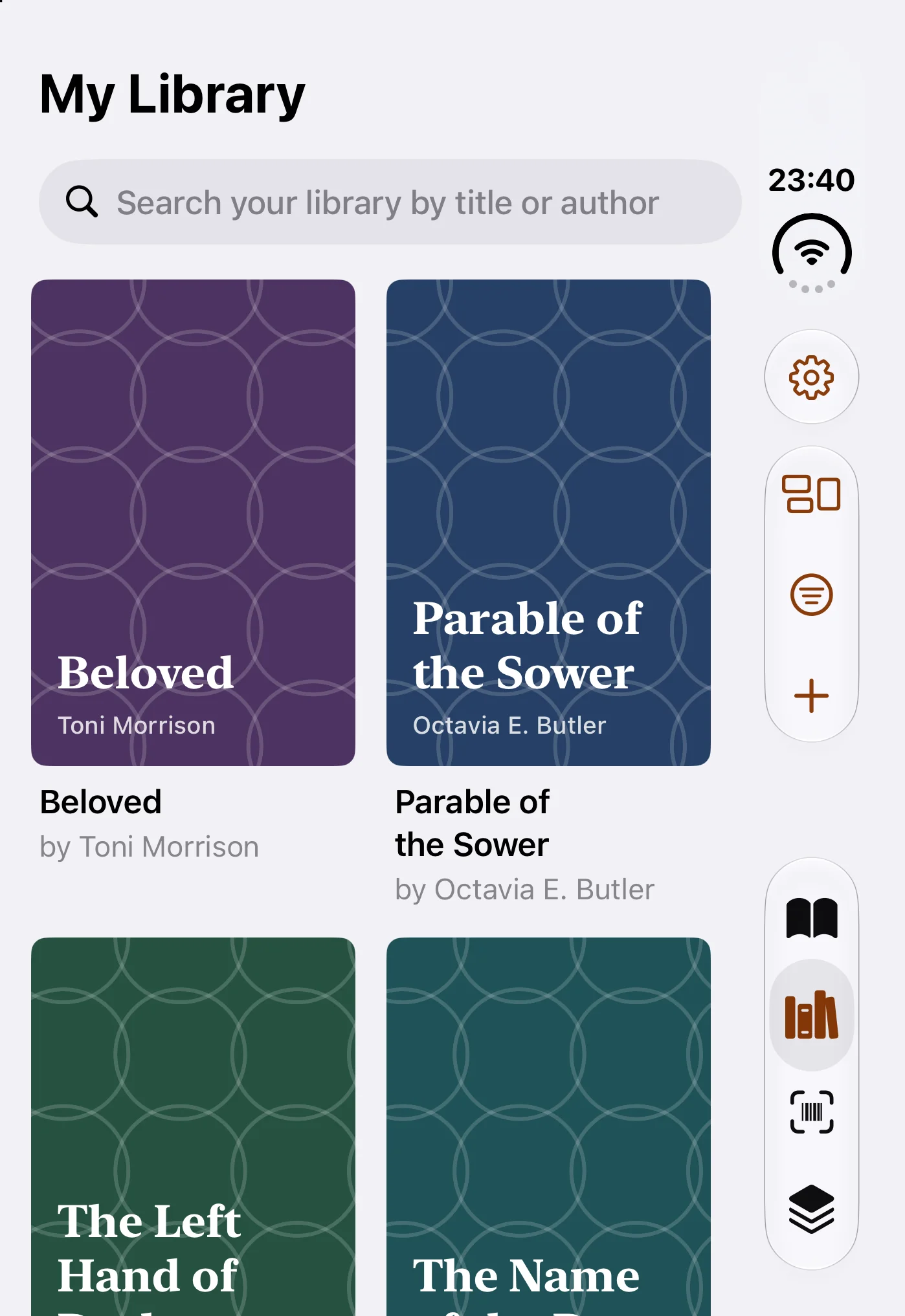
Fold the phone and the app moves to the outer display with the familiar single-column layout. Open it again and BookWorm picks up the book you were looking at, so nothing is lost between postures.
Everything else is the same app
The Duo layouts sit on top of the same offline-first catalogue as on any iPhone. Your books live on your phone and work with no signal. Barcode scanning, shelves, tags, loans, reading sessions and Goodreads or StoryGraph import are free, and you don’t need an account to start. Sync across your iPhones is part of Pro, and Inky, the optional AI reading companion, has small free allowances with more on Pro and Max.
Questions
Which iOS version do I need?
The dual-pane layouts need iOS 27.1 or later. BookWorm itself runs on iOS 26 or later on any supported iPhone.
Does it cost extra on iPhone Duo?
No. The Duo layouts are part of the app on every plan, including Free.
Can I move my library from another phone?
Yes. Pro syncs your library between your iPhones, and Goodreads or StoryGraph exports import for free on the phone itself.